What’s new

Everything we’ve shipped lately. The big features, the small polish, and the bugs we squashed along the way.

September 30, 2026

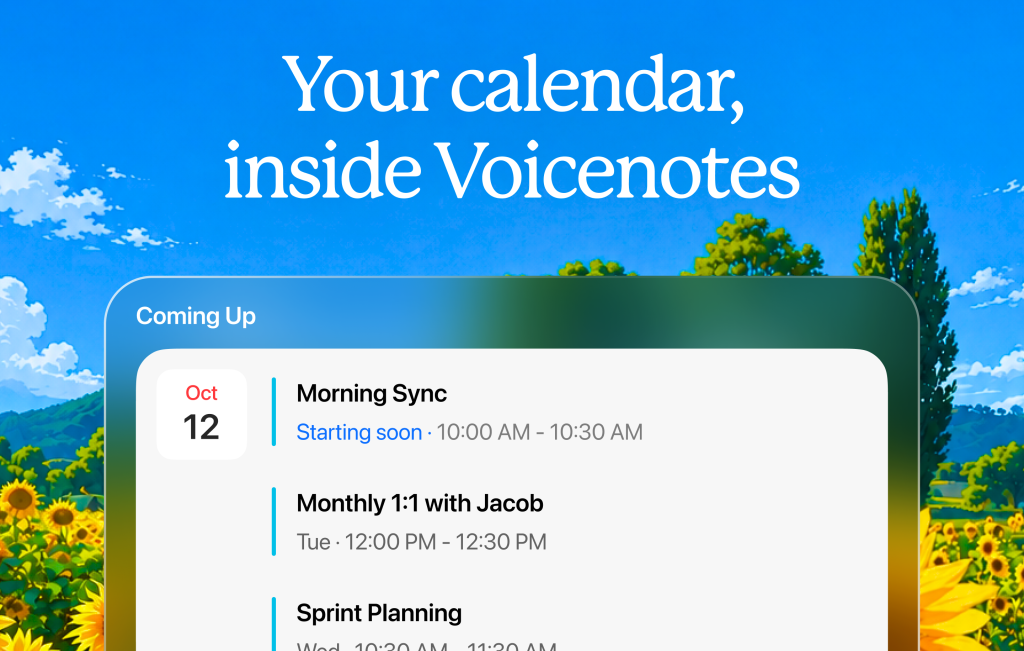
Your calendar, inside Voicenotes

Connect your Google or Microsoft Calendar and see your day’s events right on your home screen.

September 22, 2026

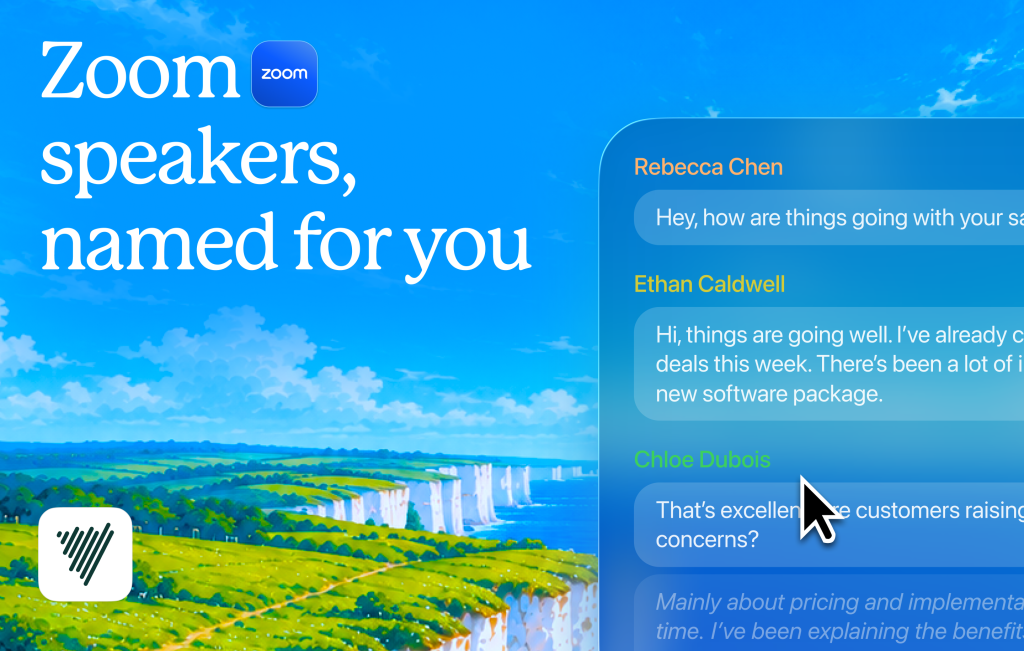
Zoom speakers, named for you

If you’re recording a Zoom call, each speaker is labelled automatically. Now you can see who said what by name, instead of wondering who Speaker 1 or 2 is.

September 2, 2026

Faster Obsidian sync, cleaner dictation, and more

Sync to Obsidian instantly

Switch on syncing in the plugin’s settings, record a note, and see it in your Obsidian vault right away. You can also use your note tags in filenames and templates to keep everything organized.

Better & cleaner dictation

Your dictated words are tidied up after you speak. Punctuation and capitals come out right, and the “ums” are taken out.

Account deletion, confirmed by email

Voicenotes now email you once the deletion is complete.

Your transcript, in segments

Your transcripts can now be broken into segments, each one a stretch of speech, instead of one unbroken block. Catch a word that came out wrong and fix it right where it sits.

September 1, 2026

One tap to record, one button to share

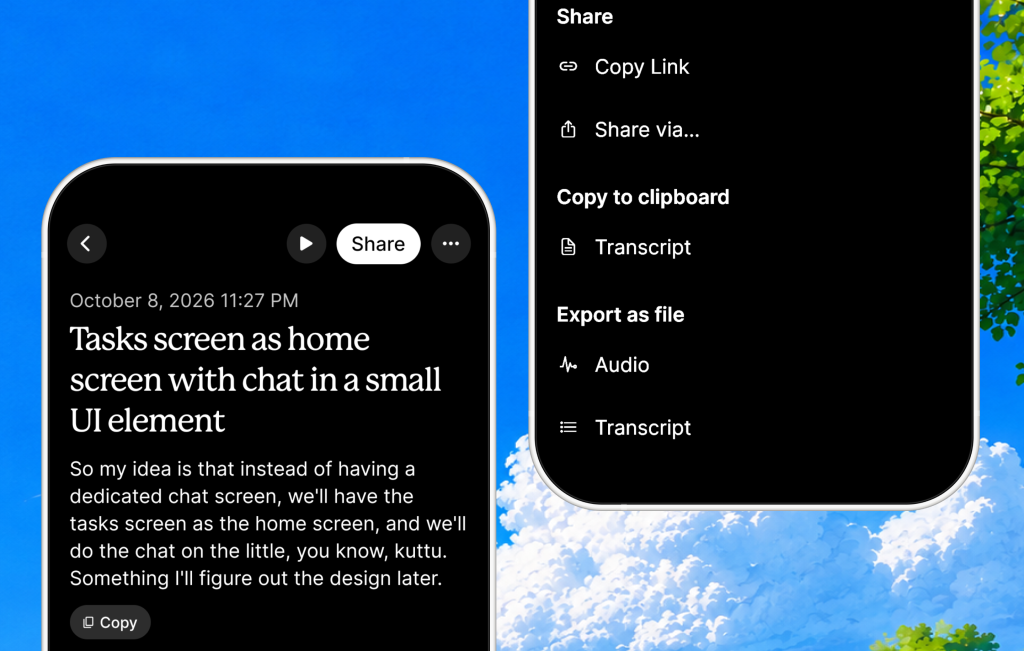
Share, copy, and export from one button

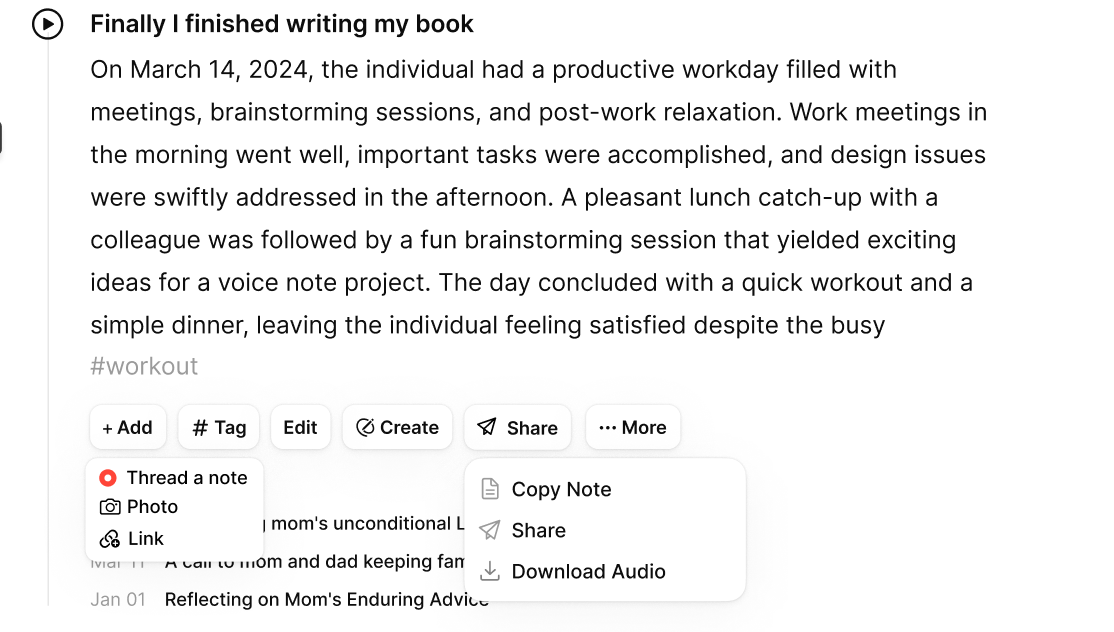
Sharing, copying, and exporting now live under one button. Share links now include the note title, and taking a screenshot automatically opens the share sheet.

Mark a recording as a meeting or a memo

If a meeting gets saved as a memo, change it under “Fix”. When you do so, the meeting summary with the speakers pulled apart comes through.

Start recording with a single tap from your watch.

Add the Voicenotes complication to your Apple Watch face and start recording with a single tap!

Fixes
  • Recordings can now survive a crash, a force quit, or the app being closed mid-recording.
  • The home widget has better contrast in dark mode.

August 28, 2026

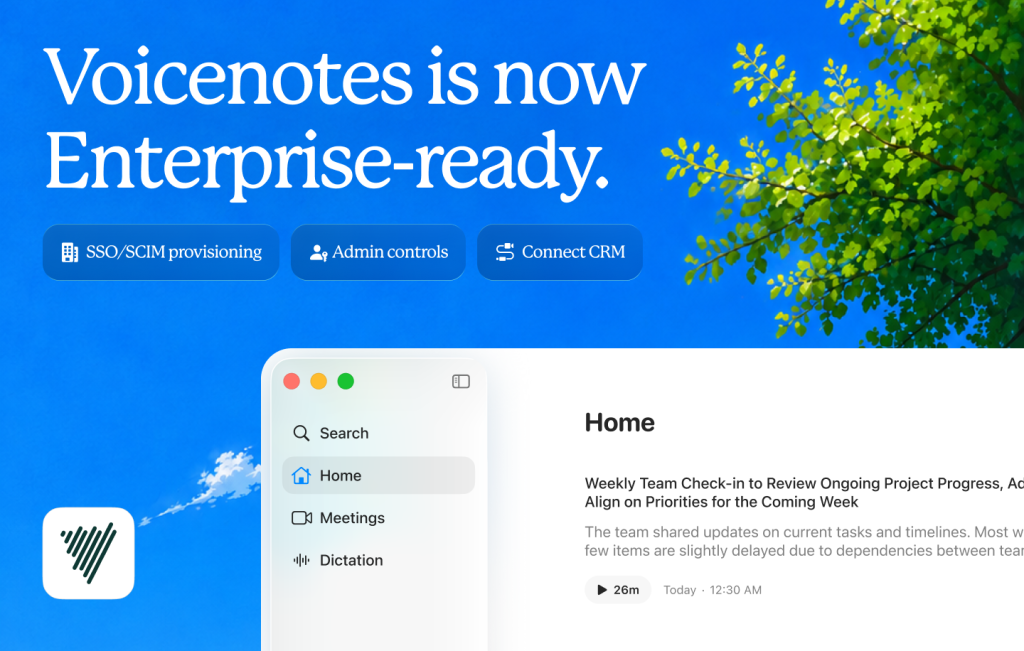
Voicenotes, now ready for Enterprise teams

  • SSO/SCIM provisioning: Your team can sign in with the same work login they use everywhere else, and access is auto-managed as people join or leave.
  • Admins can control who can share what across your whole organization.
  • Built-in consent management features ensure that every recording is compliant.
  • You can connect your Voicenotes account directly to your CRM and calling tools.
  • You’ll have a direct point of contact from our team for support and account needs.
  • As with any other Voicenotes plan, your data is completely protected and will never be used to train models.

August 27, 2026

See live transcripts more easily on hover

Hover over the floating recording panel to read the transcript while the meeting is still running. You no longer have to open Voicenotes to see it.

August 26, 2026

A smoother Android widget experience

Android now has a smoother widget experience, with improved consistency and more reliable recording requests.

August 24, 2026

More ways to create on your Mac

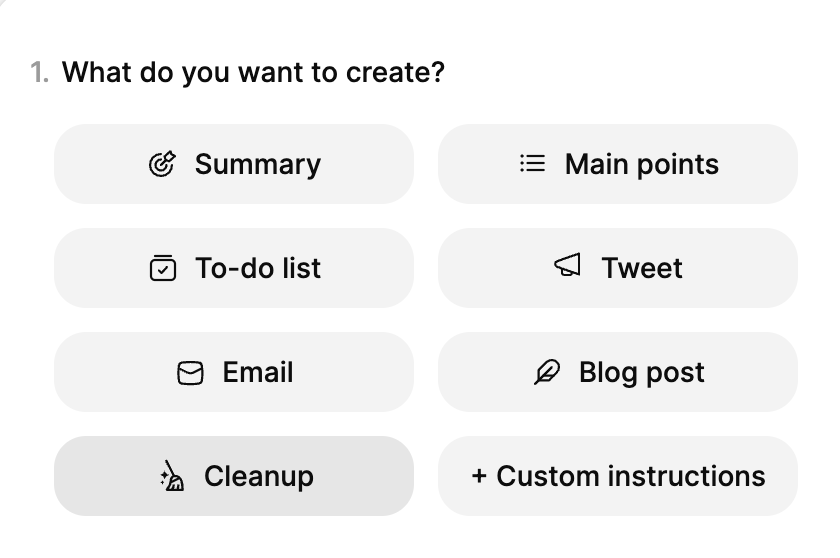
Creations are now available on Mac. Just pick an option from the list at the top, and Voicenotes will transform your recording into the format you choose. Here’s what each format can do for you:

  • Main points: Generate the key takeaways from your recording.
  • To-do list: Everything you said you’d do, organized into a list with checkboxes.
  • Email: Your notes, written up as an email.
  • Blog: Convert your notes into an elaborate blog.
  • Tweet: Your notes transformed into a summarized tweet.
  • Translate: Transform your recording into a different language.
  • Custom prompt: Tell the app what you want to do with your notes.

July 28, 2026

Mac: faster switching and better shortcuts

  • Switching between Notes, Meetings, and Dictation is much faster now.
  • You can now set a shortcut with action keys, such as Cmd, Ctrl, Option, Shift, or Fn.

July 9, 2026

Meetings, transcribed as they happen

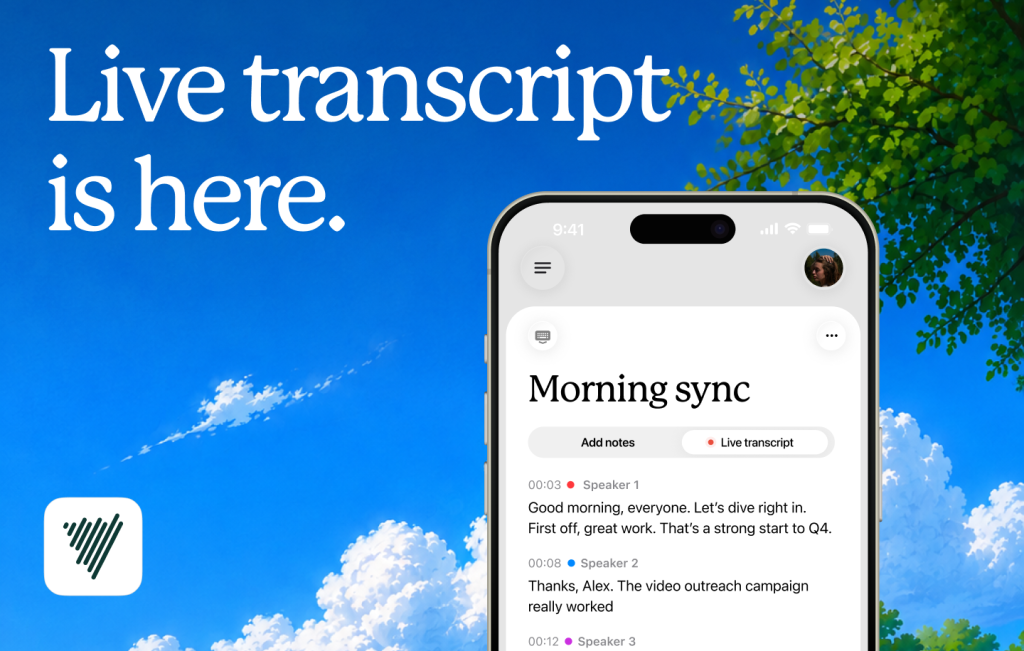
Live transcription on iOS and Android:

  • See subtitles for your meetings in real time. Open the Transcript tab on the recording sheet, next to Notes, and watch the conversation appear as people speak.
  • Each speaker gets a color and a number, so you can follow who said what as the meeting happens.
Additional improvements
  • Your recordings are automatically saved, even if the app unexpectedly closes. Just reopen the app, and your recording up to that point is safely preserved. (iOS)
  • Non-Latin scripts like Arabic, Hindi, and Mandarin now render much more accurately and consistently in PDFs. (iOS/Web/Mac)
  • Long recordings made in the background no longer lose their last stretch. (Android)

July 1, 2026

Dictation, now on your phone

In any app where you’d normally type, you can now speak instead. Set up the Voicenotes keyboard once, and your words will appear as you say them. Now available on both iOS and Android.

June 26, 2026

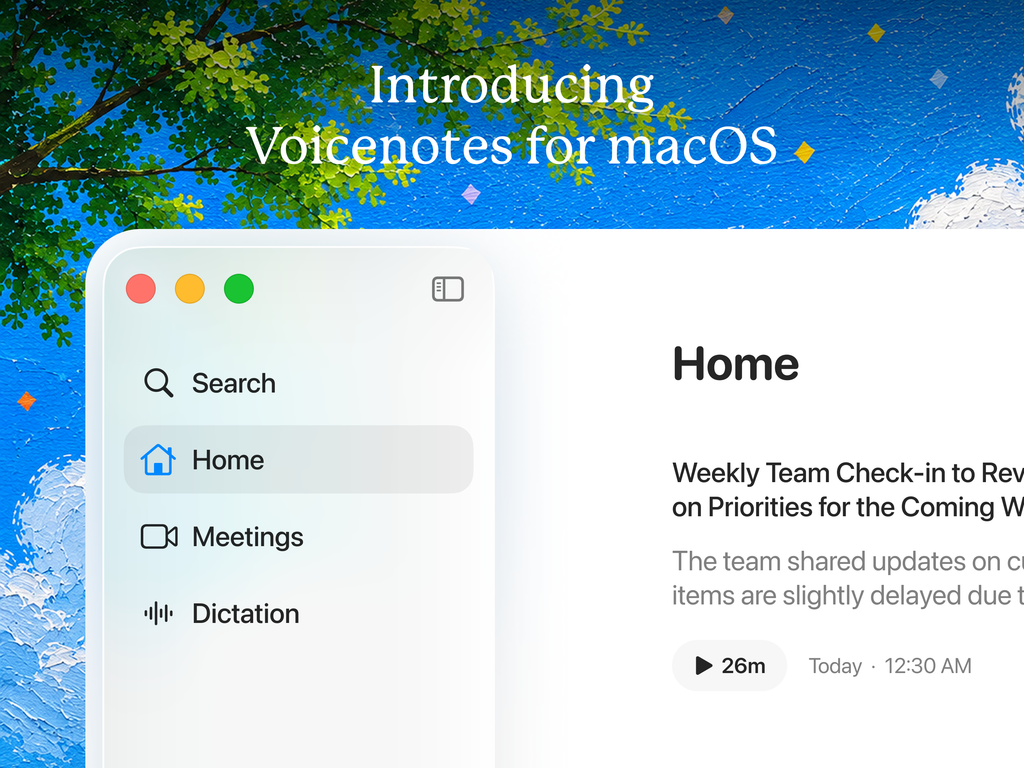
Voicenotes for Mac, now for everyone

Voicenotes for Mac is out of beta and available to everyone.

June 22, 2026

More updates on Android

  • Create, rename, and reorder tags, and add notes to a tag from the note itself.
  • The keyboard now has haptics and better-sized keys, remembers the words you use, switches languages, and tells you when you’re offline. You can also now delete dictations from the Dictations tab.
  • The home screen has a search bar and a swipe-out drawer.

May 22, 2026

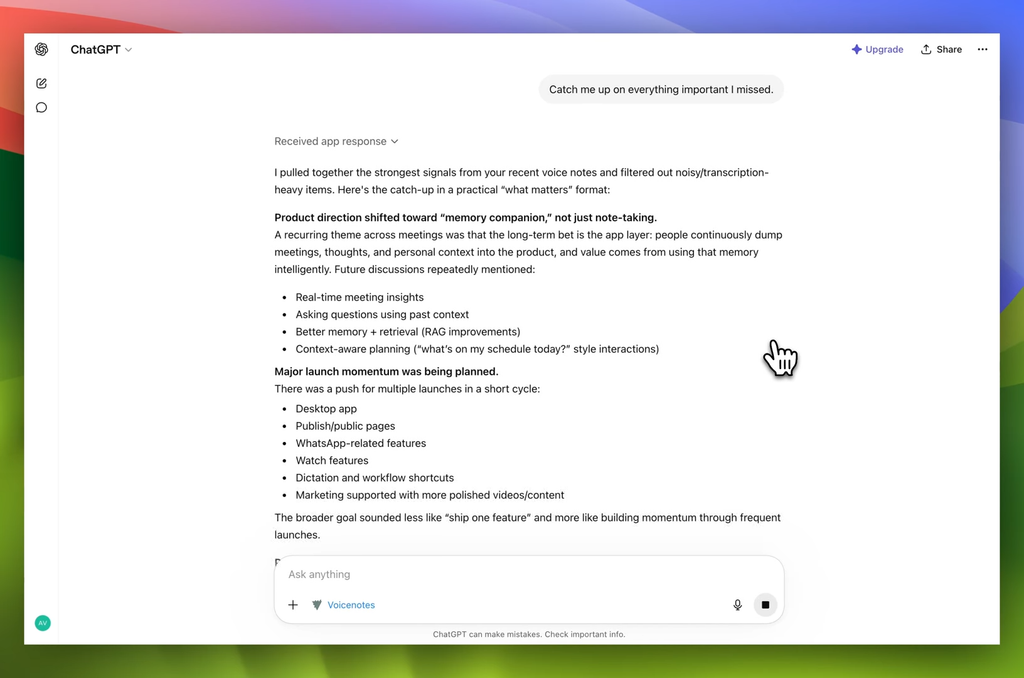
Voicenotes comes to ChatGPT

Voicenotes is now available as an official app on ChatGPT. Connect it once, and ChatGPT can work with your notes and meetings. It can search them, browse them by date or tag, and pull a full transcript into the conversation. Try it out here.

More people, same plan

Plans are no longer confined to individuals. Bring your teammates in, and combine your accounts into one subscription and invoice.