Want to turn speech into text without breaking the bank? You’re in luck!
Transcription software has come a long way, and there are now plenty of free options that deliver impressive results.
Whether you’re a podcaster, journalist, or just need to transcribe the occasional meeting, these tools can save you hours of manual work.
In this article, we’ll explore the 10 best free transcription software tools for 2024. You’ll discover:
- How to choose the right tool for your needs
- The pros and cons of automatic vs. manual transcription
- Tips for getting the most accurate results
From browser-based options to AI-powered apps, we’ve got you covered. Let’s dive in and find the perfect transcription solution for you!
What is transcription software?
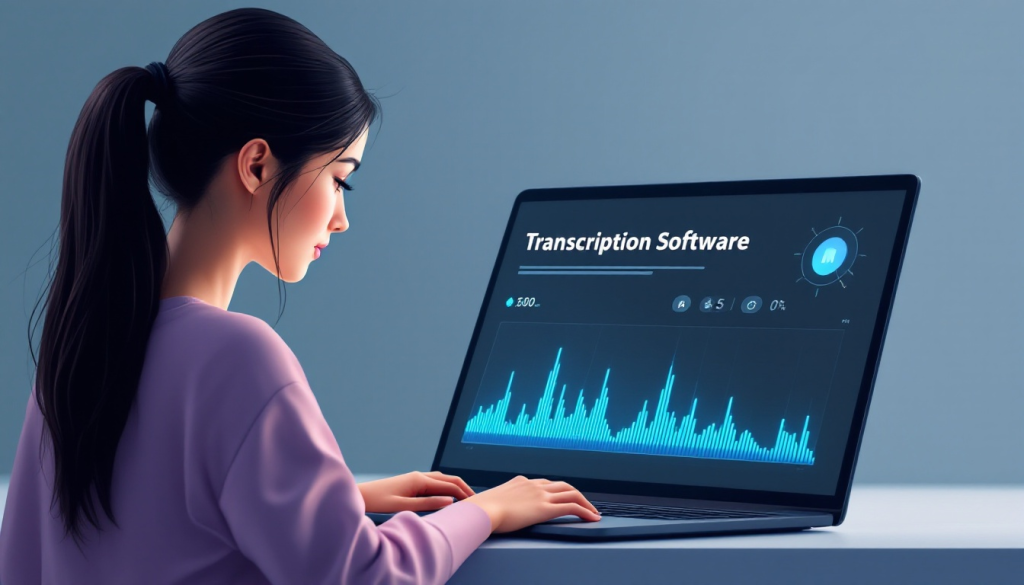
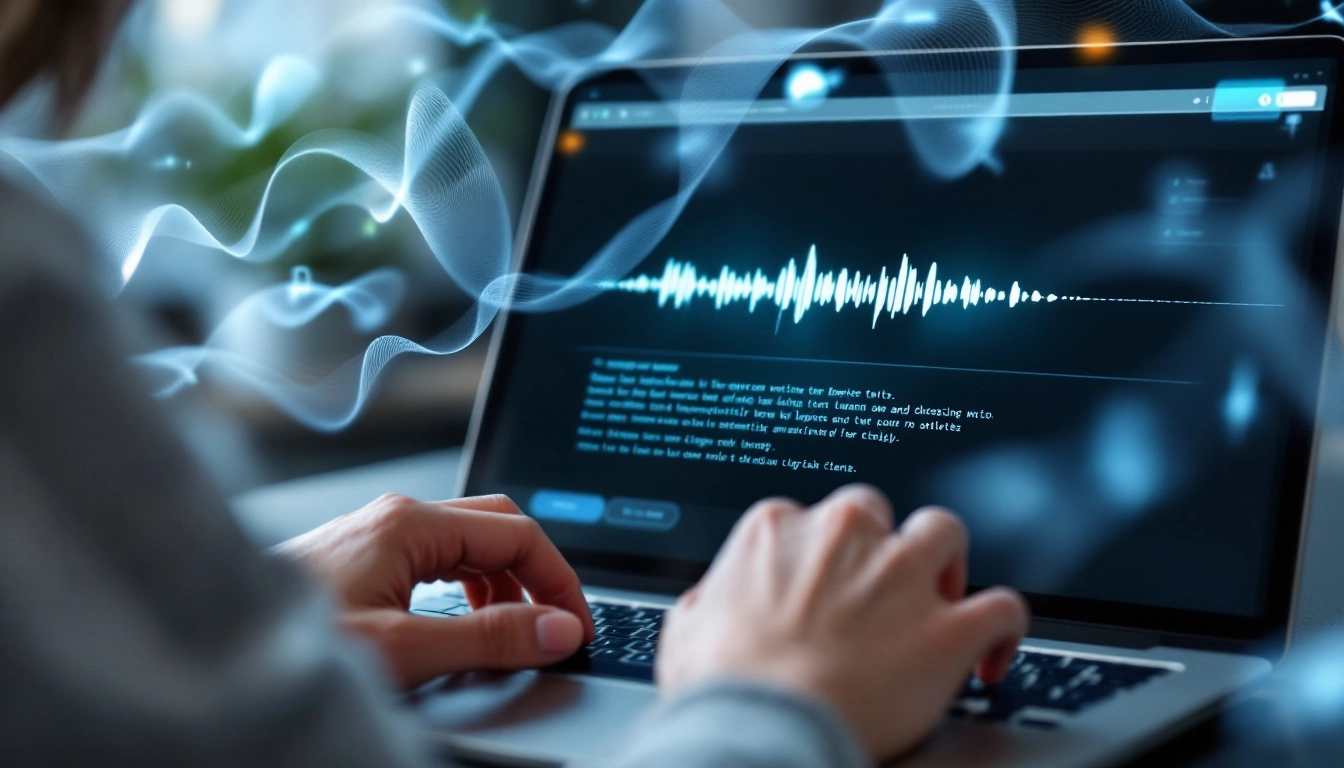
Transcription software converts spoken audio or video into written text.
Key features often include:
- Automatic speech recognition (ASR) technology
- Support for multiple audio/video file formats
- Speaker identification
- Timestamps
- Editing tools to refine transcripts
The main benefits of using transcription software are:
- Huge time savings compared to manual transcription
- Improved accessibility for audio/video content
- Searchable text records of spoken content
- Ability to easily share and collaborate on transcripts
When it comes to transcription methods, there are two main options:
Manual transcription: A human listens to the audio and types out the transcript. This is very time-consuming but can be more accurate, especially for complex audio.
Automatic transcription: AI-powered software automatically converts speech to text. This is much faster but may have some errors, especially with accents or poor audio quality.
Many modern tools offer a hybrid approach, using AI for the initial transcription and then allowing human editing to refine the results.
How to choose the right transcription tool
With so many options available, it’s important to consider these factors when selecting transcription software:
- Accuracy: Look for tools with high accuracy rates, especially if you’re dealing with technical content or multiple speakers.
- Supported file formats: Ensure the software can handle your audio/video files.
- Language options: If you work with multiple languages, choose a tool with broad language support.
- Ease of use: An intuitive interface will save you time and frustration.
- Integration capabilities: Consider how well the tool fits into your existing workflow.
- Free tier limitations: Pay attention to restrictions on minutes, file size, or features in free plans.
- Upgrade options: If your needs might grow, look at paid tiers for future scalability.
Match the tool’s capabilities to your specific use case, whether that’s transcribing interviews, creating podcast show notes, or generating meeting minutes.
Top 10 free transcription software tools
1. Voicenotes
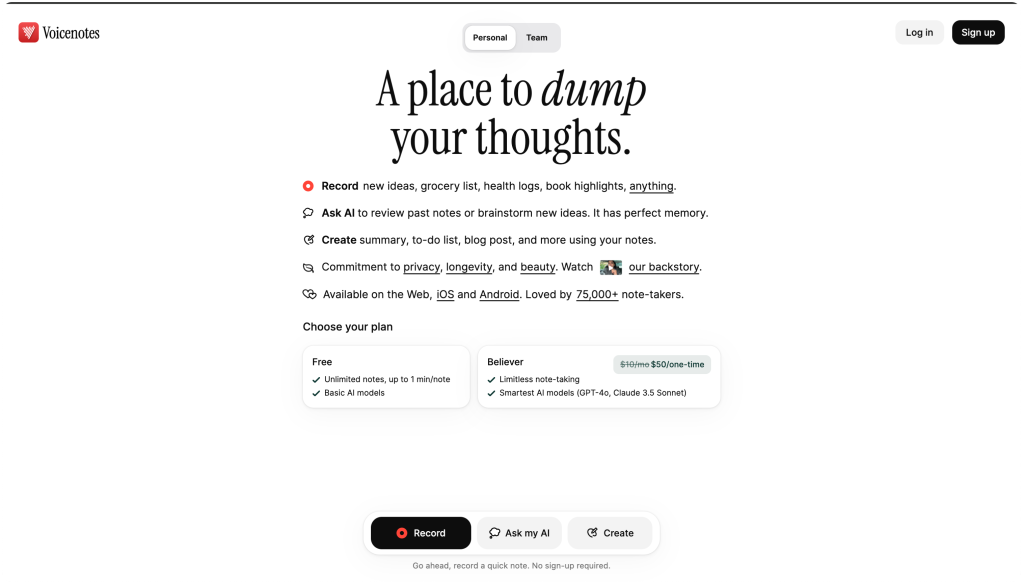
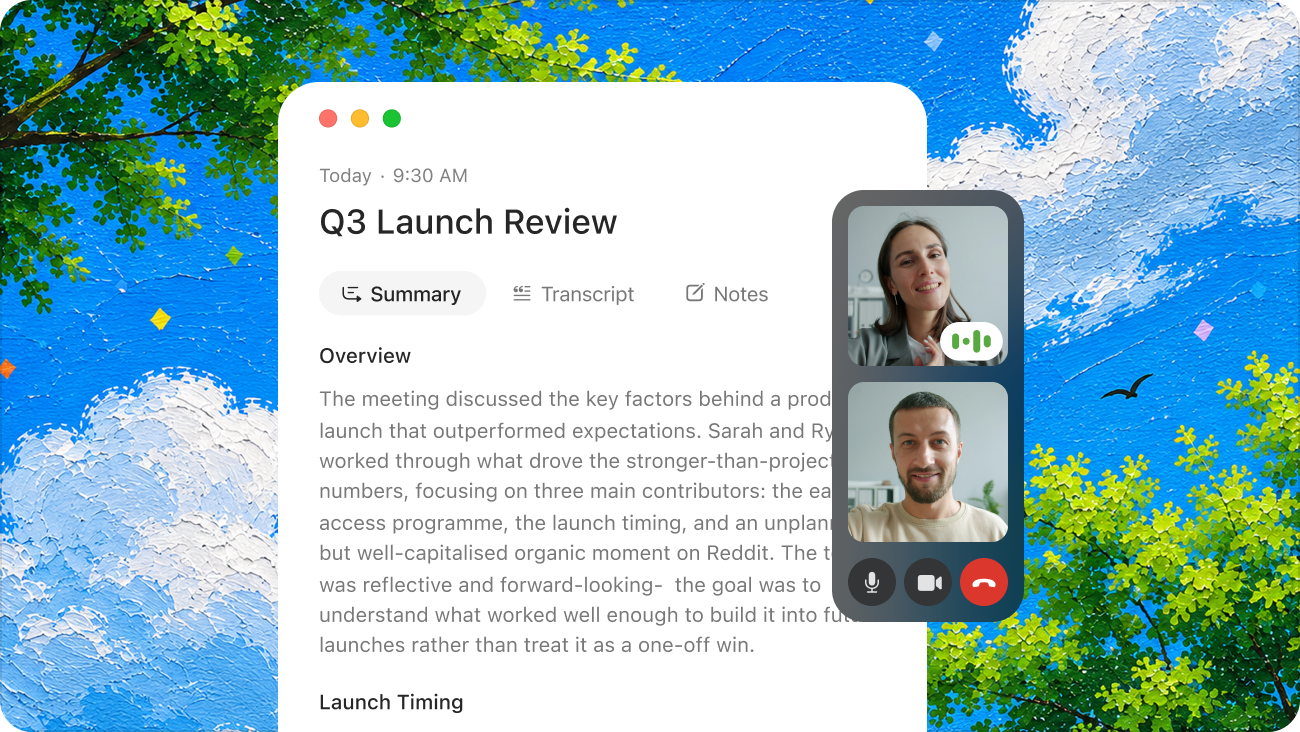
Voicenotes offers a user-friendly platform for both automatic and manual transcription needs.
Key Features:
- Real-time transcription of live audio
- Great pricing
- Teams plans
Pros:
- High accuracy rates
- Intuitive interface
- Generous free tier
Cons:
- Some advanced features may require a paid plan
Best for: All-around transcription needs, from quick notes to long-form content
2. Otter AI

Otter.ai is known for its AI-powered meeting transcription and note-taking capabilities.
Key Features:
- Live transcription for Zoom meetings
- Speaker identification
- Automated summary generation
Pros:
- Excellent for real-time collaboration
- Integrates well with video conferencing tools
Cons:
- Free plan limited to 300 minutes per month
Best for: Team meetings and collaborative note-taking
3. oTranscribe
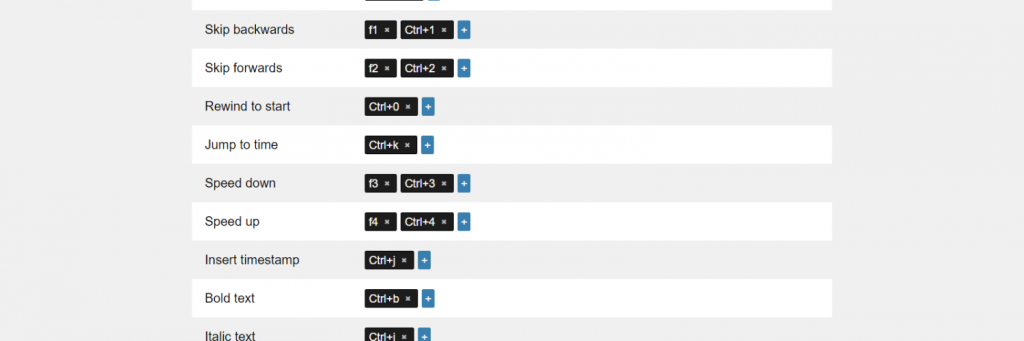
oTranscribe is a simple, browser-based tool for manual transcription.
Key Features:
- Integrated audio player and text editor
- Keyboard shortcuts for playback control
- Automatic saving
Pros:
- No account required
- Works offline
Cons:
- No automatic transcription features
Best for: Journalists and researchers doing manual transcription
4. Descript
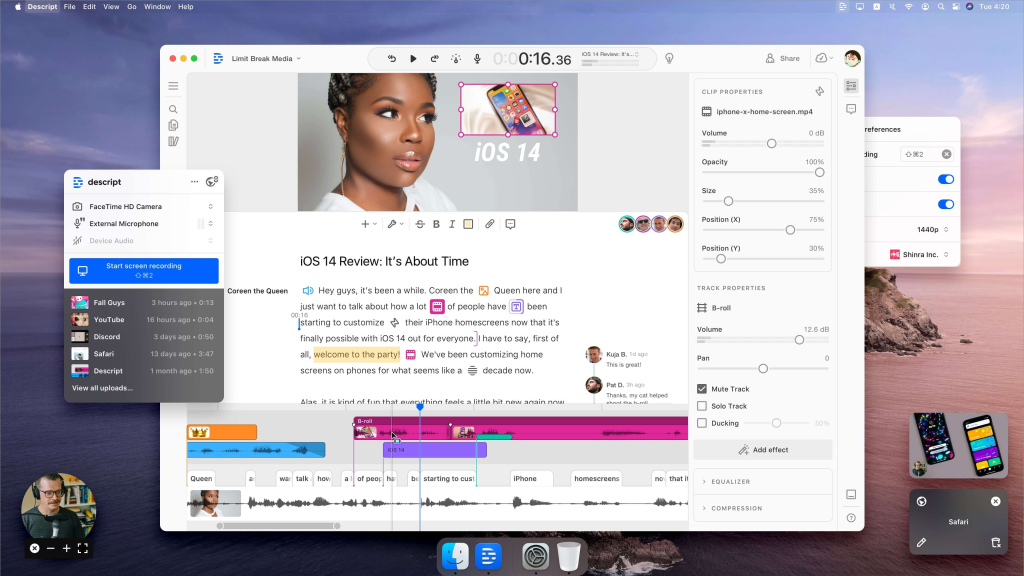
Descript offers a unique approach, allowing you to edit audio/video by editing the transcript.
Key Features:
- Automatic transcription with speaker detection
- Audio/video editing based on text edits
- Collaborative features
Pros:
- Innovative editing workflow
- High-quality AI voices for text-to-speech
Cons:
- Free plan has limited transcription minutes
Best for: Podcasters and video creators who want to streamline their editing process
5. Trint
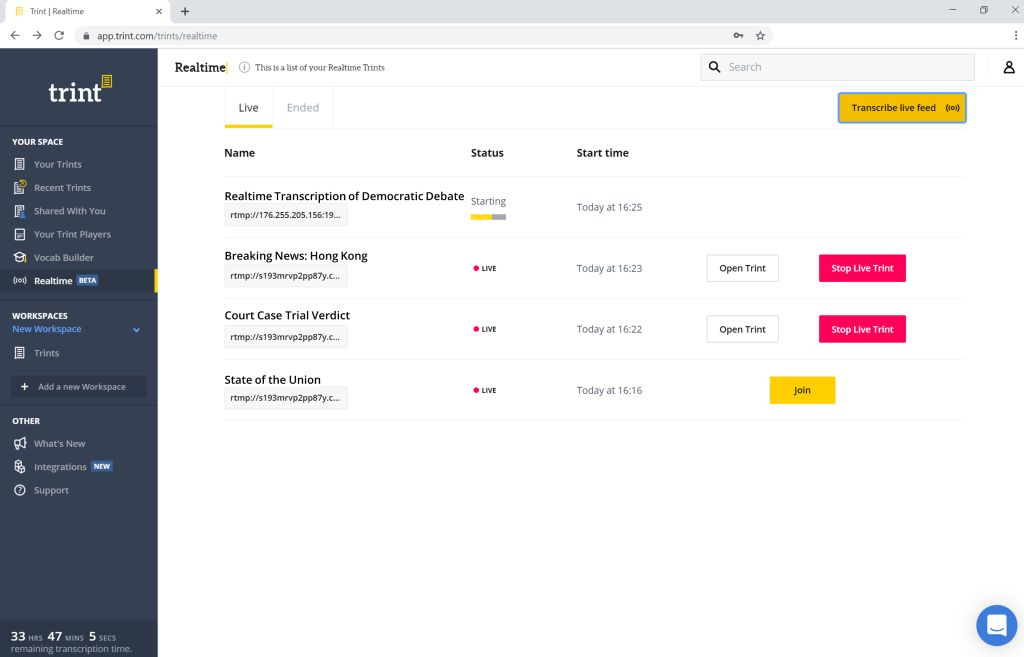
Trint provides fast, accurate transcriptions with a focus on media and journalism use cases.
Key Features:
- Automated transcription in multiple languages
- Vocabulary customization
- Export options for various formats
Pros:
- User-friendly interface
- Good accuracy for industry-specific terminology
Cons:
- Free trial only; requires subscription for ongoing use
Best for: Media professionals and content creators
6. Sonix
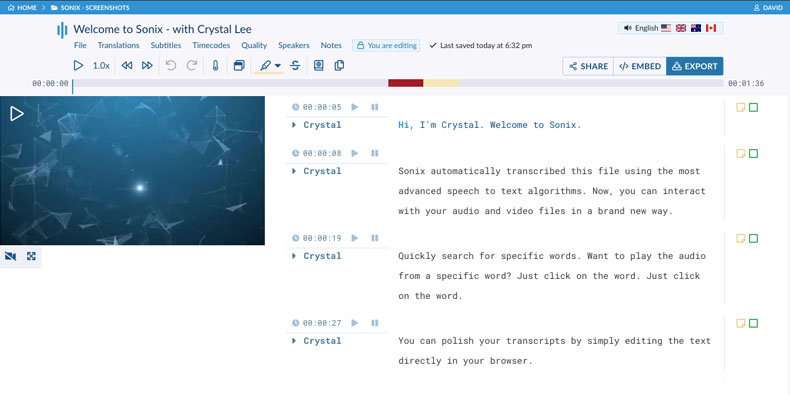
Sonix offers automated transcription with a focus on multiple language support.
Key Features:
- Transcription in 40+ languages
- Automated translation
- Speaker identification
Pros:
- Excellent for multilingual content
- Easy sharing and collaboration features
Cons:
- Limited free trial; paid plans can be expensive
Best for: International businesses and multilingual podcasters
7. Express Scribe
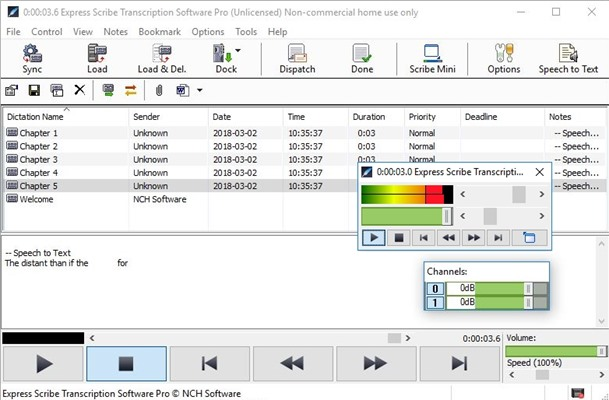
Express Scribe is a downloadable tool designed for professional transcriptionists.
Key Features:
- Variable speed playback
- Foot pedal support
- File management system
Pros:
- Robust features for power users
- Works with a wide range of audio formats
Cons:
- Steeper learning curve
- Less modern interface
Best for: Professional transcriptionists and those with large transcription volumes
8. Happy Scribe
Happy Scribe balances automated and human transcription services.
Key Features:
- Automatic and human transcription options
- Subtitle generation
- Integration with video editing software
Pros:
- Flexible pricing options
- Good accuracy for automatic transcriptions
Cons:
- Free features are limited
Best for: Content creators who need both quick automatic and polished human transcriptions
9. Notta
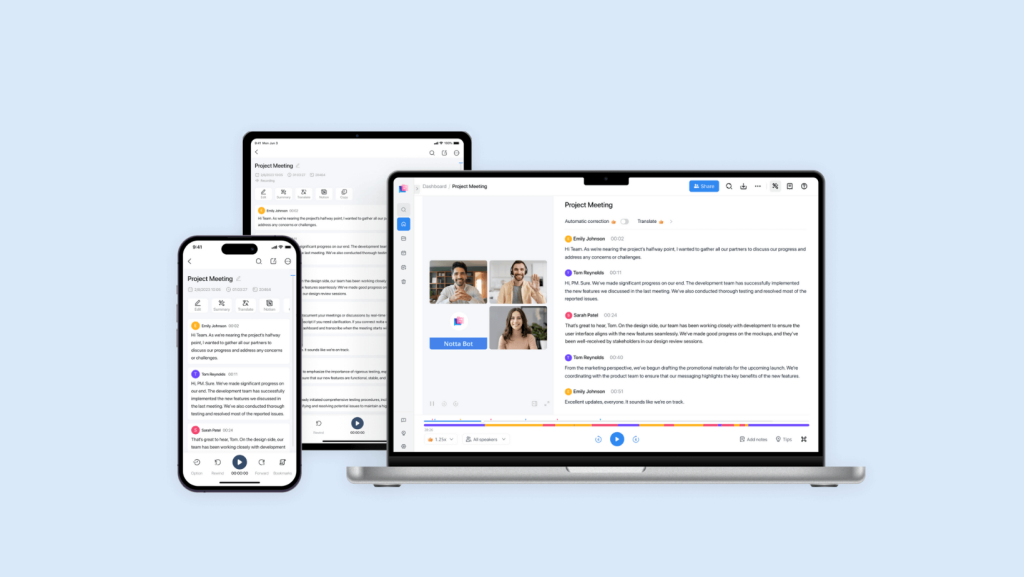
Notta is an AI-powered transcription tool with a focus on meeting productivity.
Key Features:
- Real-time transcription for video calls
- Automated action item extraction
- Integrations with popular meeting platforms
Pros:
- Helps streamline meeting workflows
- Accurate speaker identification
Cons:
- Free plan has restrictions on recording length
Best for: Businesses looking to improve meeting efficiency
10. Rev
Rev offers both human and AI-powered transcription services.
Key Features:
- Option for human or automatic transcription
- Quick turnaround times
- Captions and subtitles for videos
Pros:
- Very accurate human transcription option
- API available for integration
Cons:
- Free machine transcription has limitations
- Human transcription can be expensive for large volumes
Best for: Those who need occasional human-level accuracy or have complex transcription needs
Tips for getting accurate transcriptions
To get the best results from any transcription software:
- Use high-quality audio: Clear recordings with minimal background noise will significantly improve accuracy.
- Speak clearly: Enunciate words and avoid speaking too quickly.
- Use a good microphone: Invest in a quality microphone for better audio capture.
- Edit and proofread: Always review automatic transcriptions for errors, especially for important content.
- Utilize speaker identification: If your software offers it, properly label different speakers for clearer transcripts.
- Customize vocabulary: Add industry-specific terms or uncommon names to improve recognition.
- Break up long audio: Shorter files often yield better results than very long recordings.
Conclusion
Transcription software has become an invaluable tool for many professionals and content creators. With the range of free options available, there’s a solution for every need and budget.
By leveraging the power of modern transcription software, you can save time, improve accessibility, and unlock new ways to utilize your audio and video content. Happy transcribing!